Truly automatic time tracking

The time you bill
is the time you worked.

No timer to remember. Horario captures your work as it happens, files every minute under the right client and task, and turns confirmed time into an invoice nobody argues with.

>

We store your email to send early-access updates. Privacy notice.

free forever for early adopters · no card, ever · data stays on devicesee how it works ↓

+15%
billable hours*
−48%
reporting, email & meetings*
0
screenshots, ever
100%
automatic · on-device

*our own numbers — we've run our client work on Horario since Nov 2022

see it in action

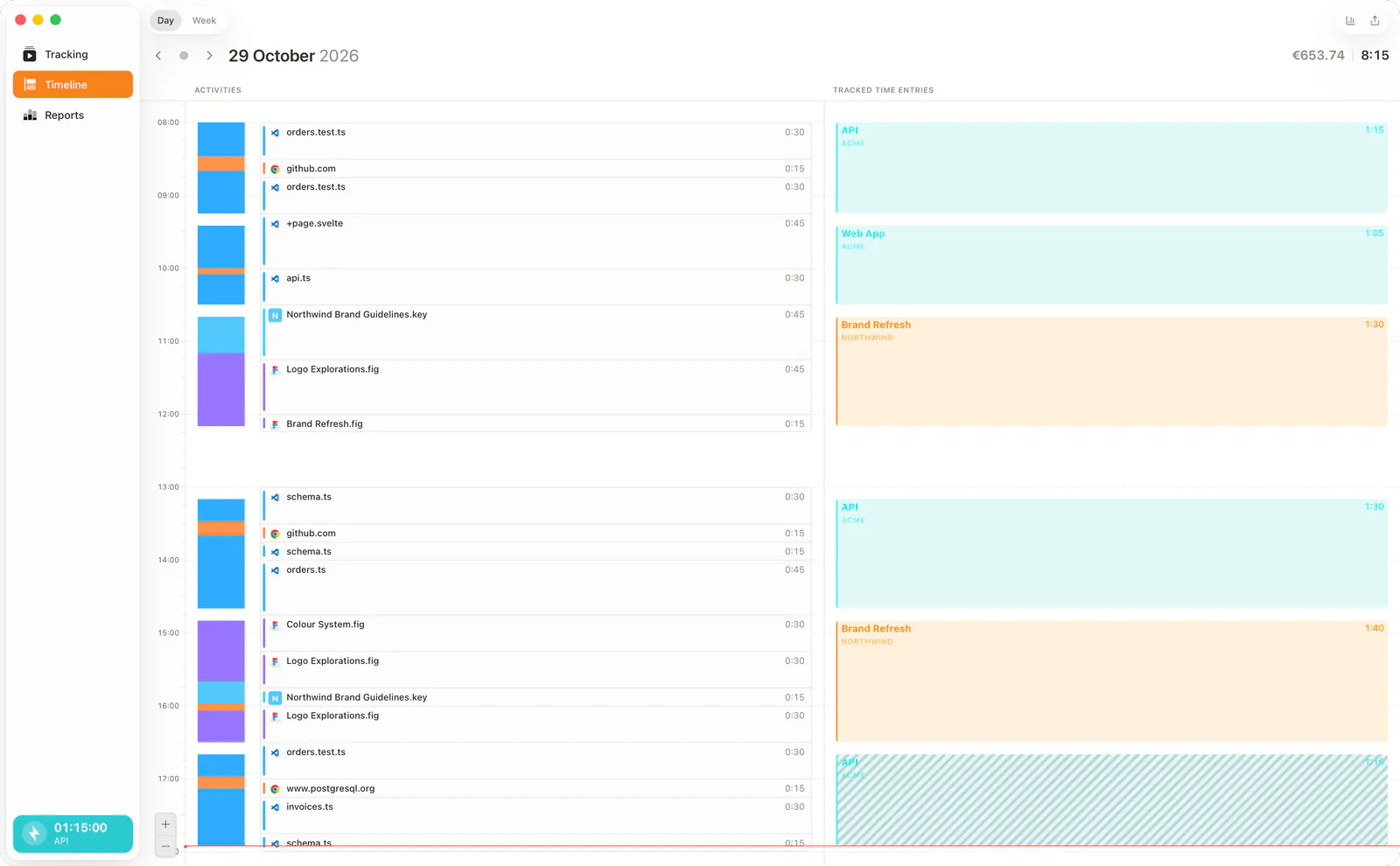
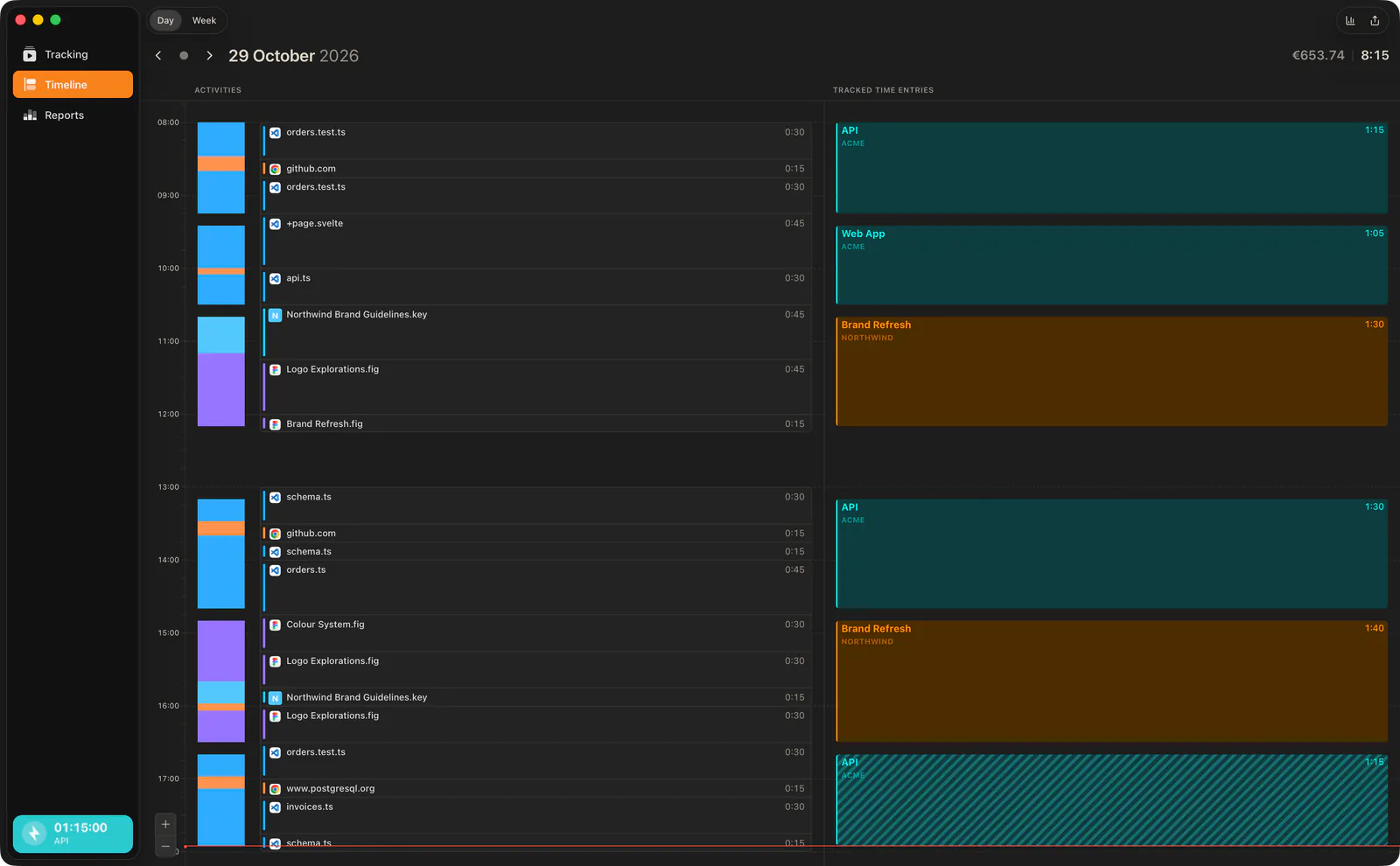
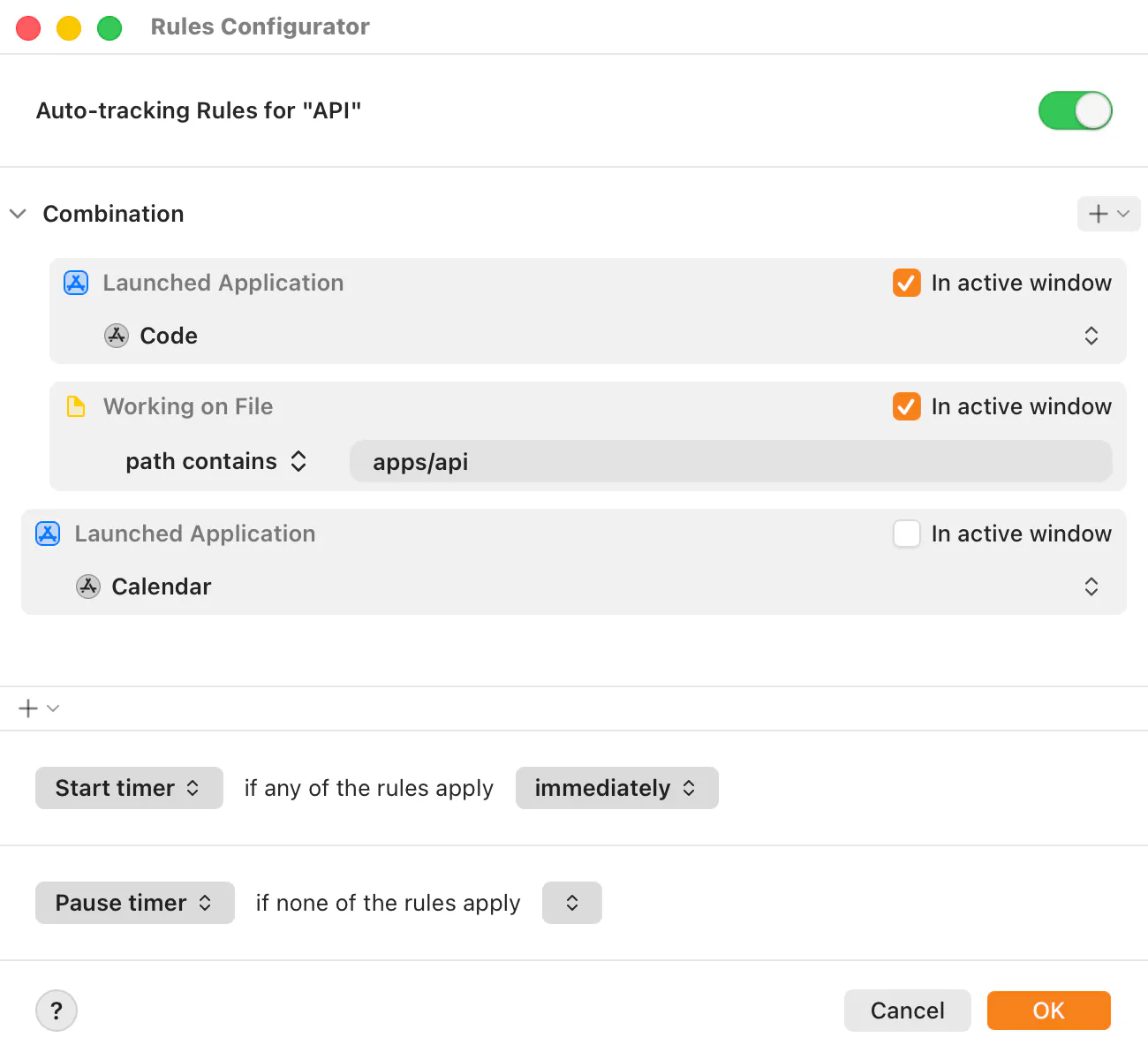
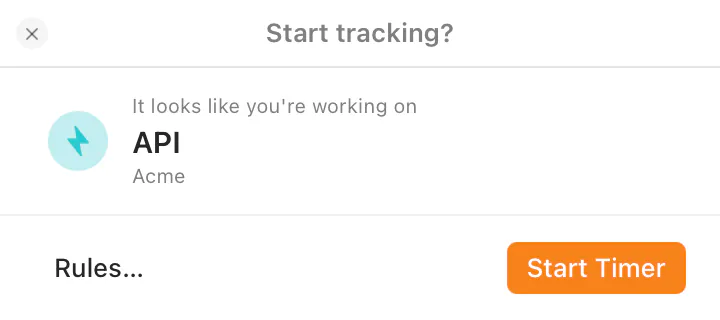
This is the actual app. No mockups.

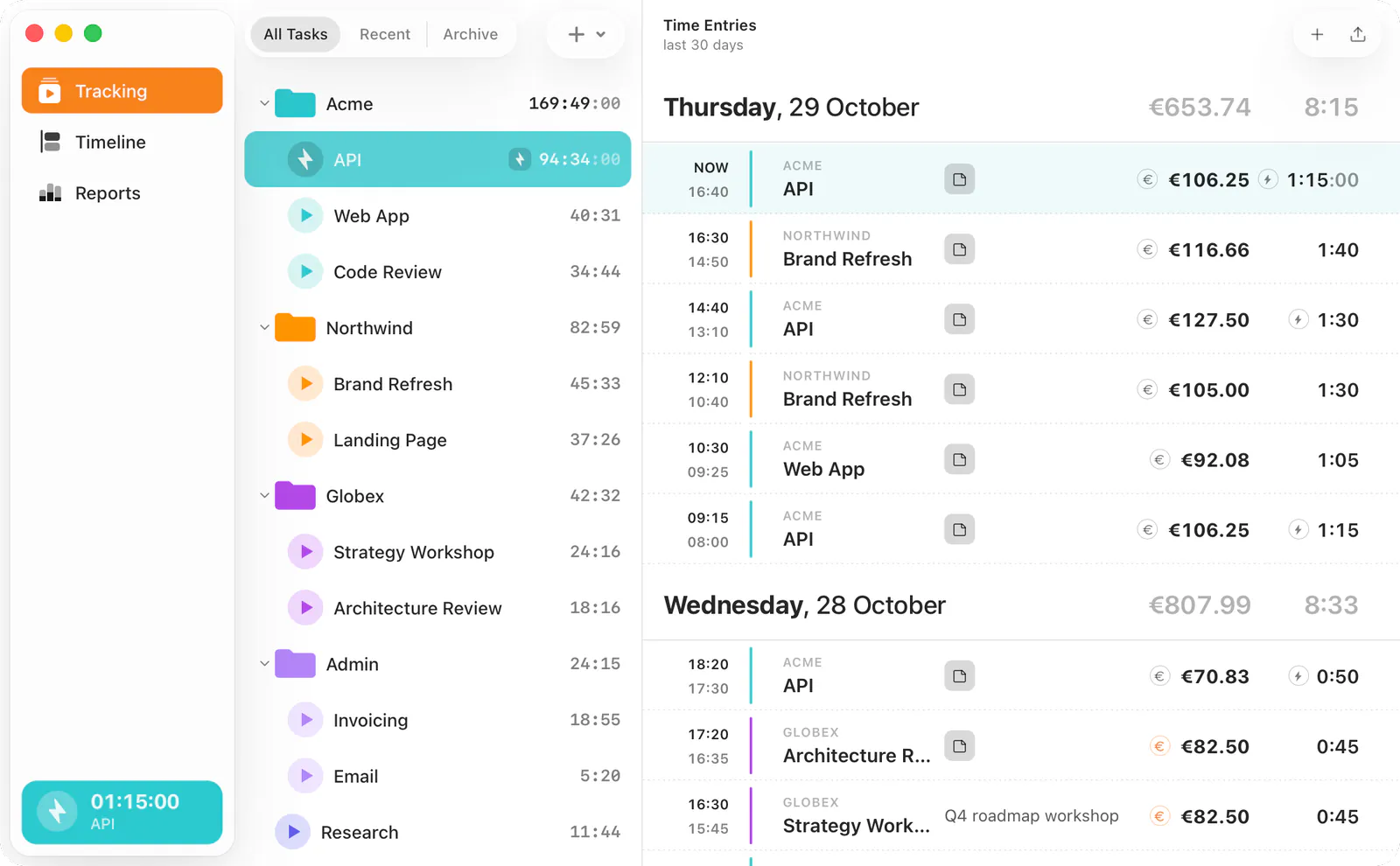
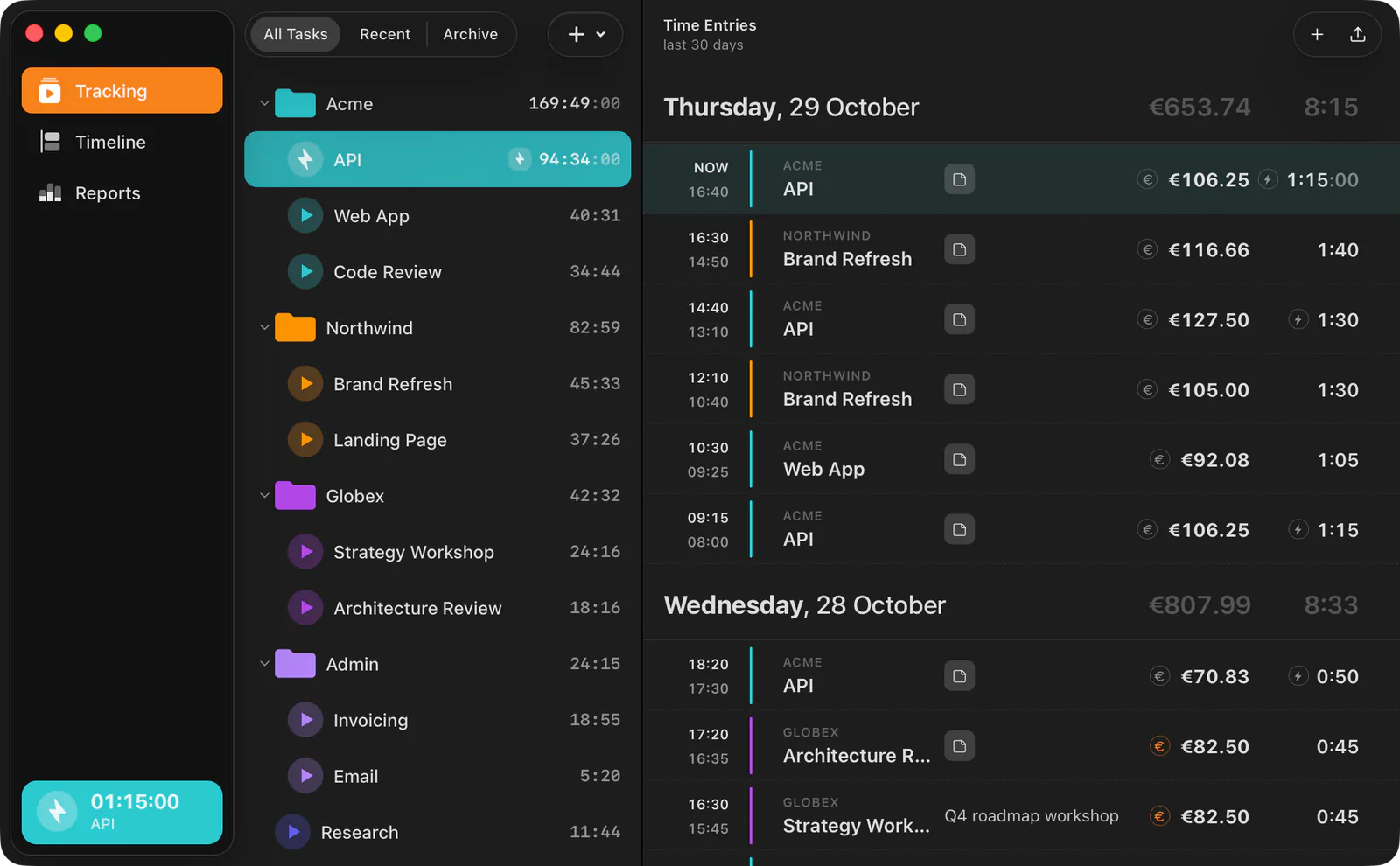
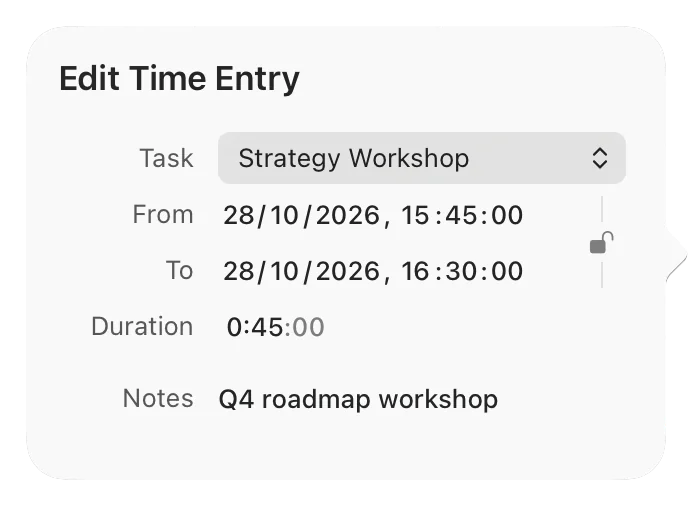
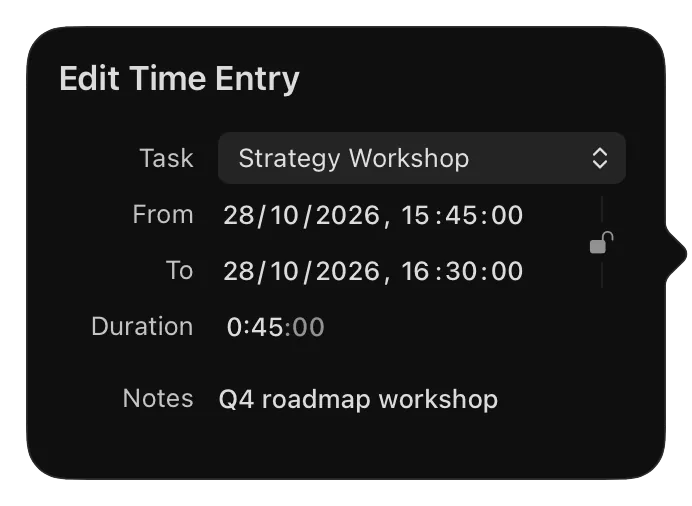
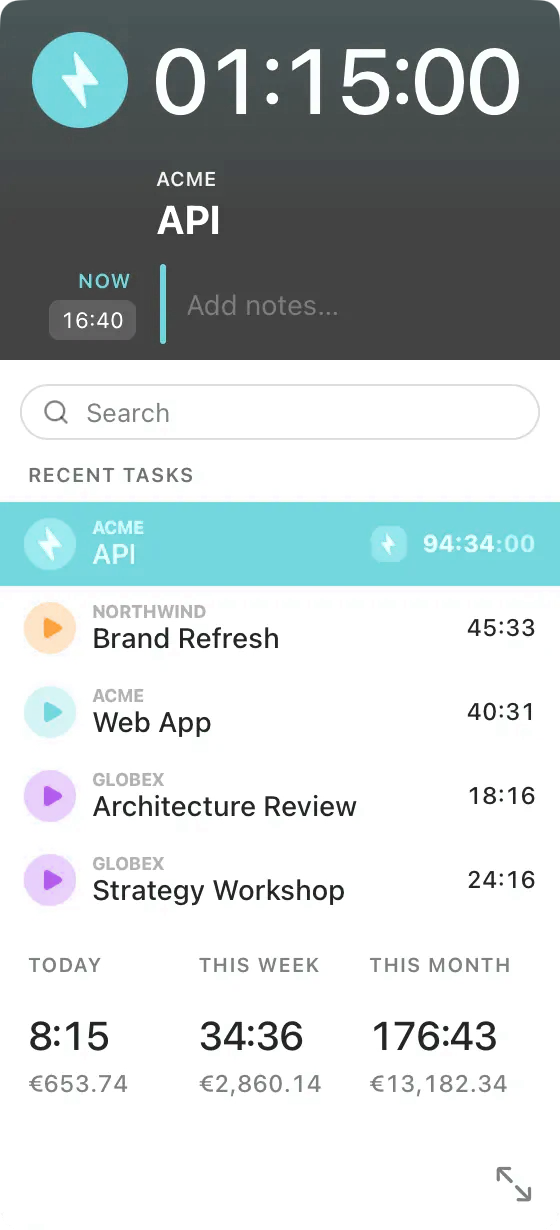
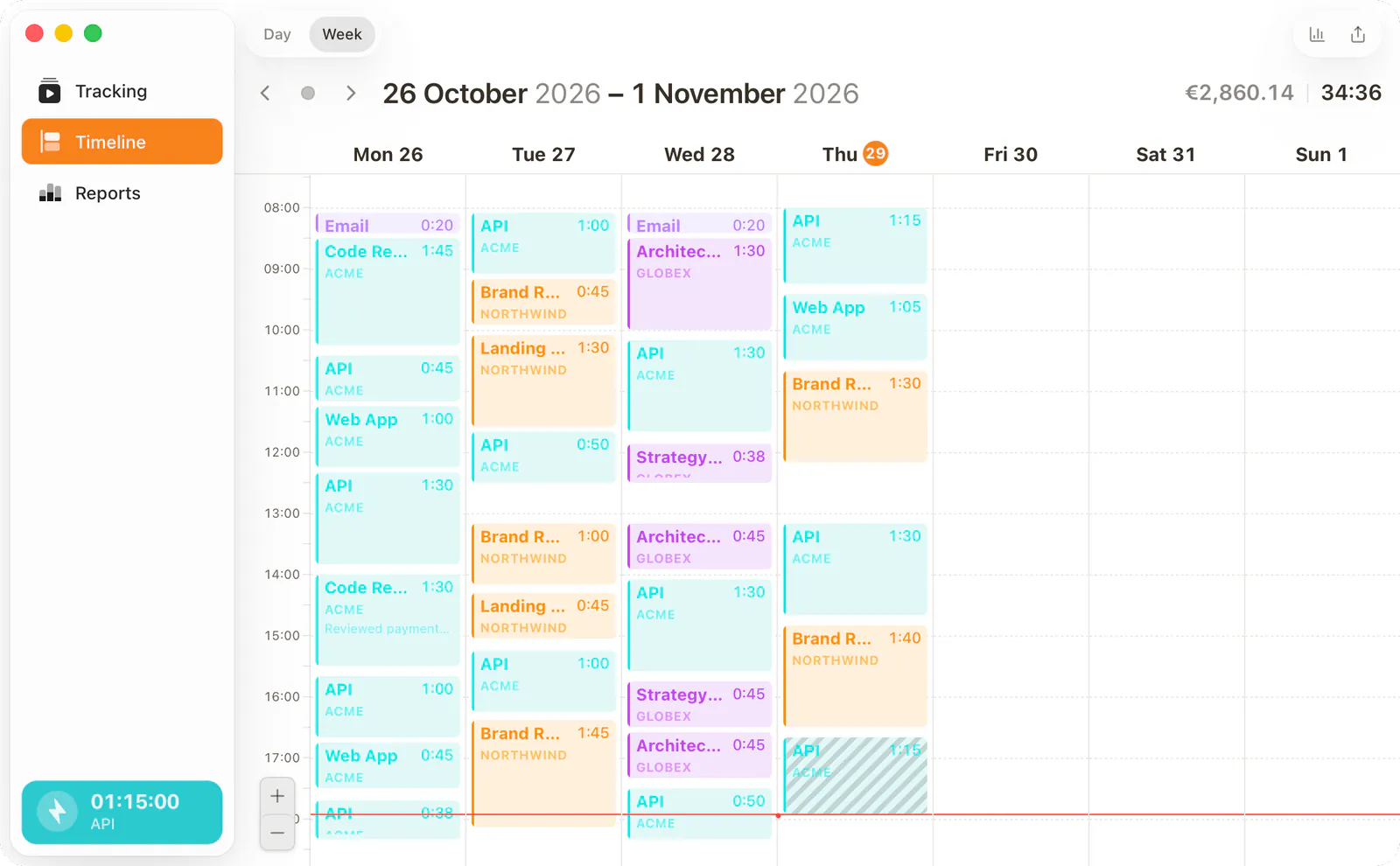
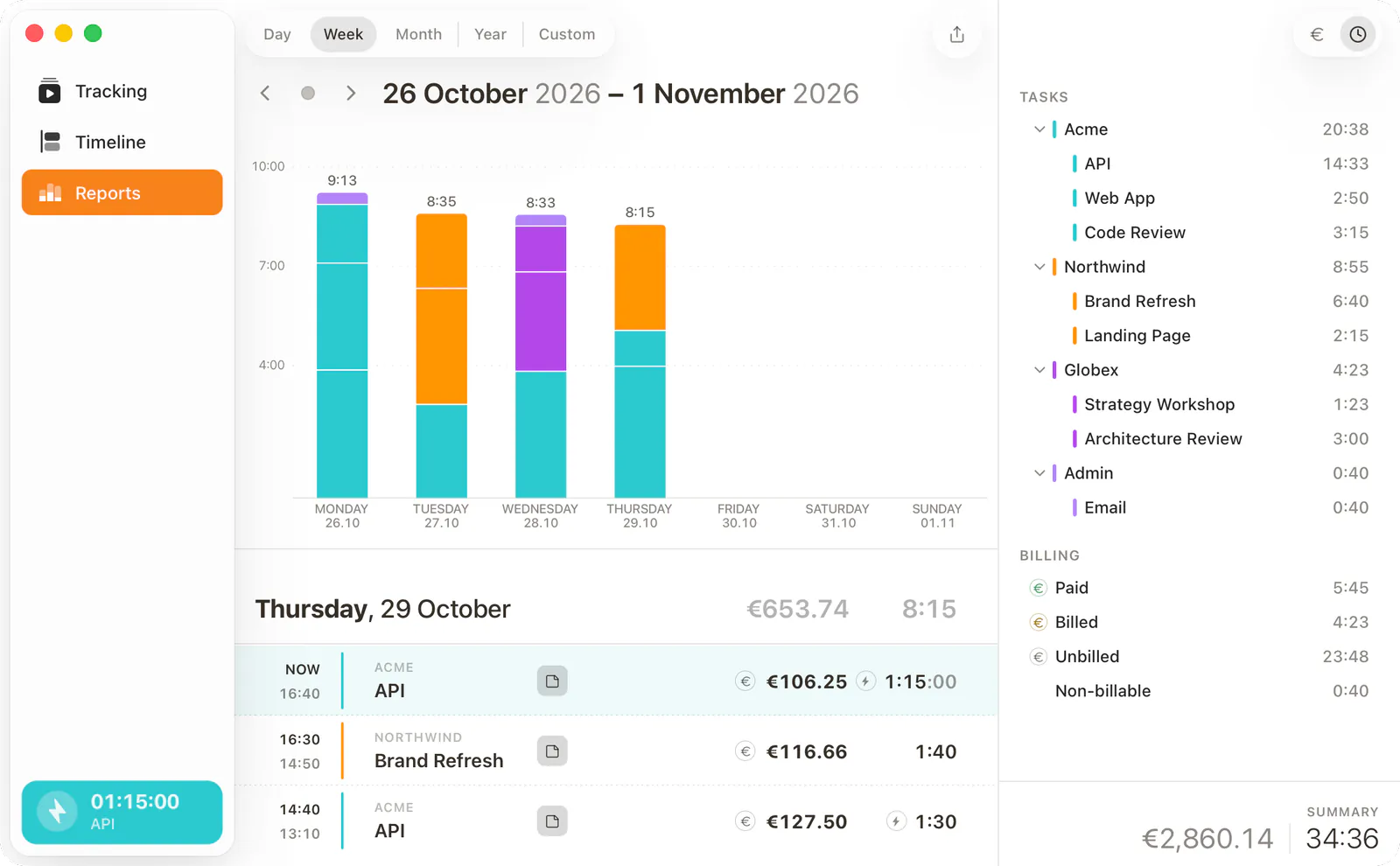
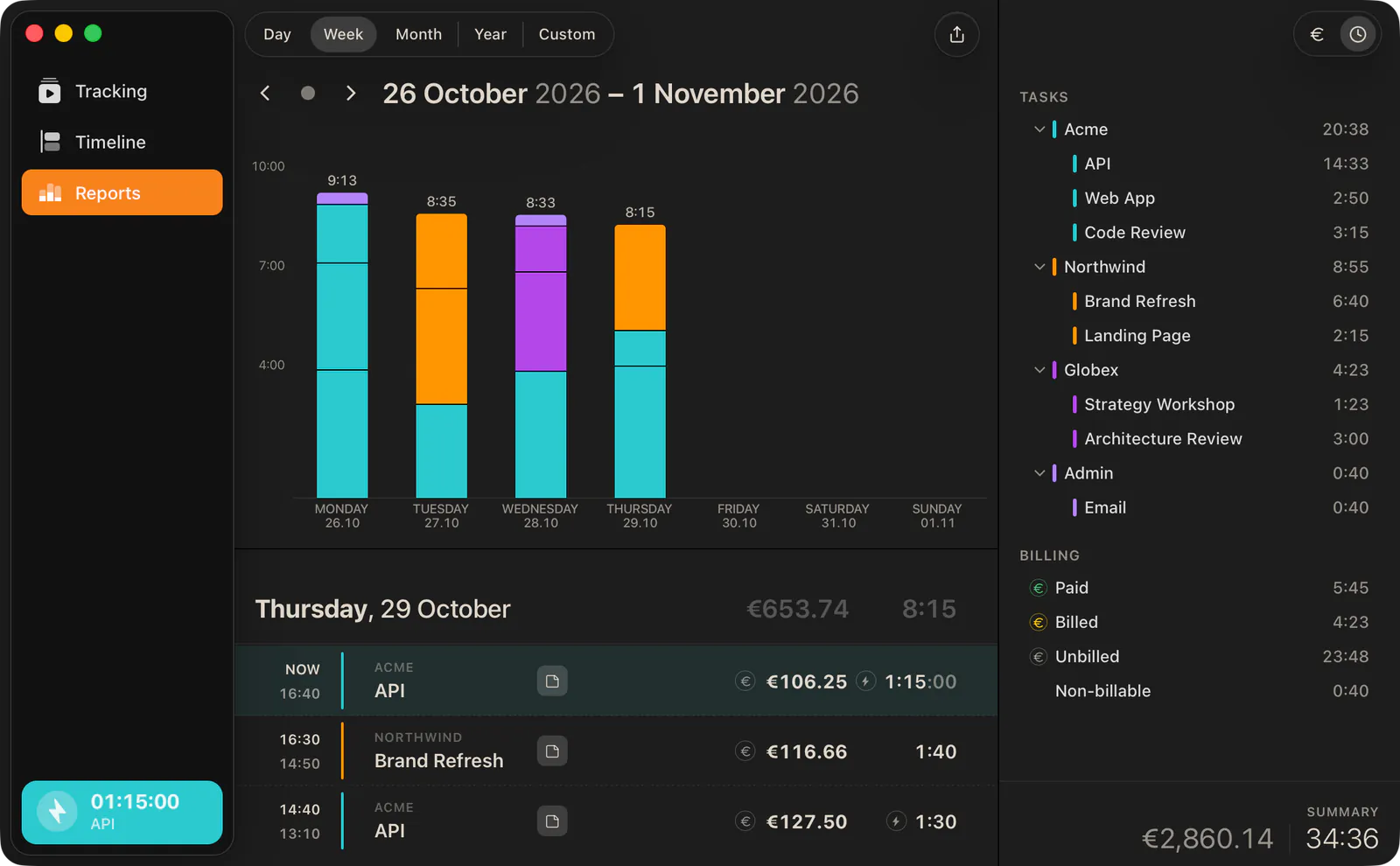
Real screens from Horario on macOS — the same views we've run our own client work through since 2022. Automatic capture on the left, your billable timesheet on the right.

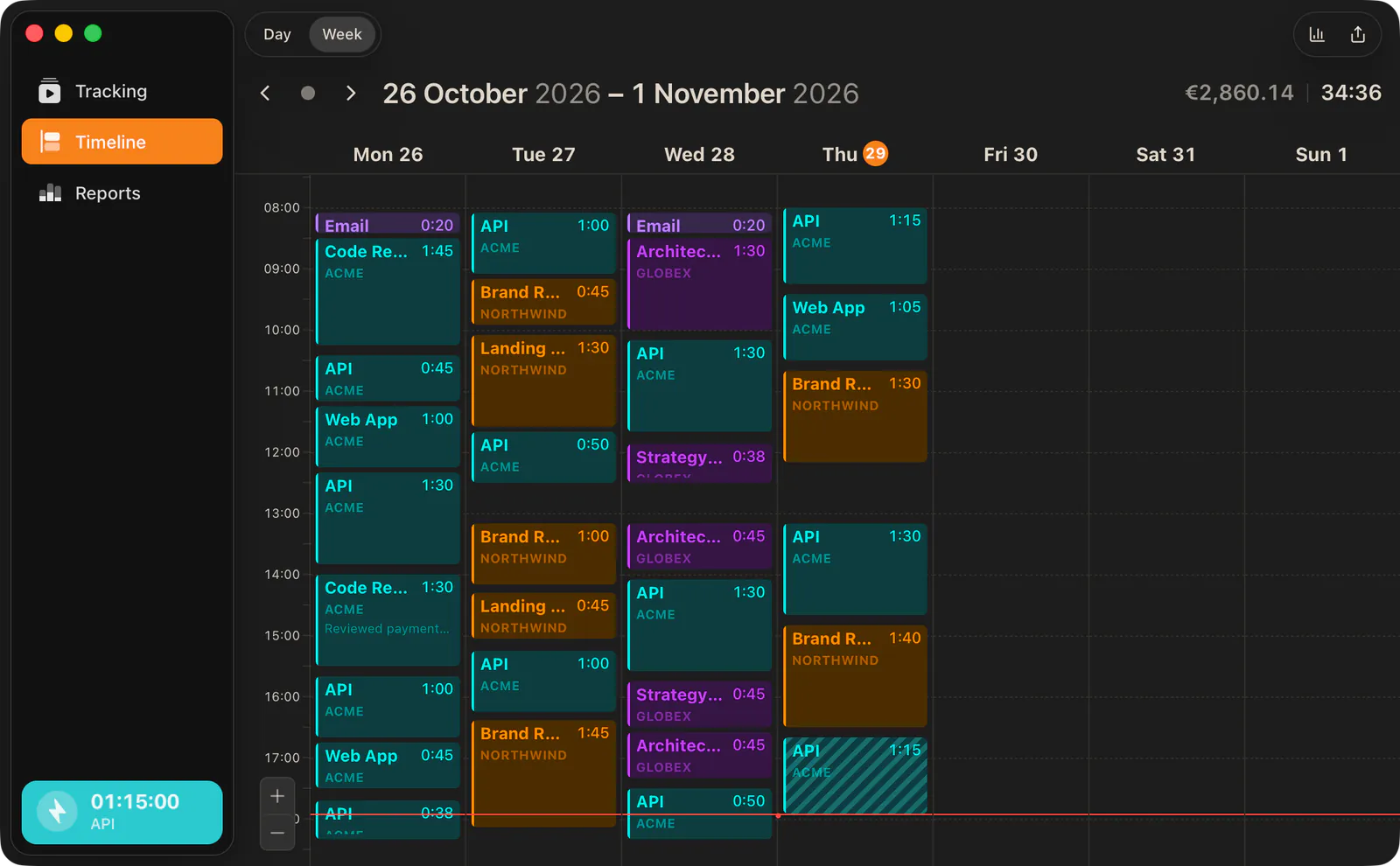
Horario Timeline view

/timelineEvery app, window and URL, laid out on the day — then attributed to the right task.

/01

Per client, project, task

Know exactly where every minute went, automatically.

/02

Productivity + life

Find when you're sharpest. Build the rest around it.

/03

Full privacy

Data stays on your device. You control what leaves.

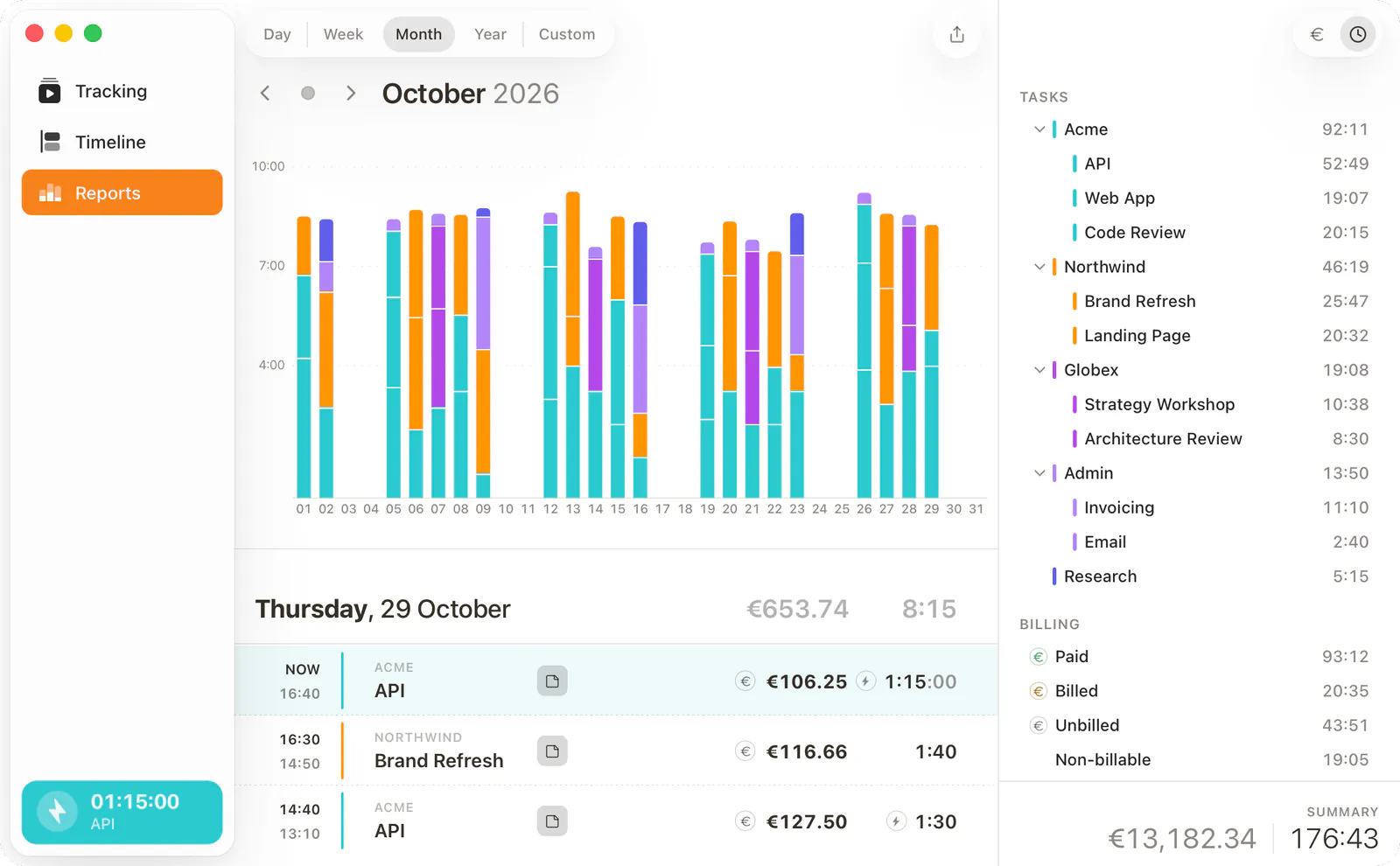
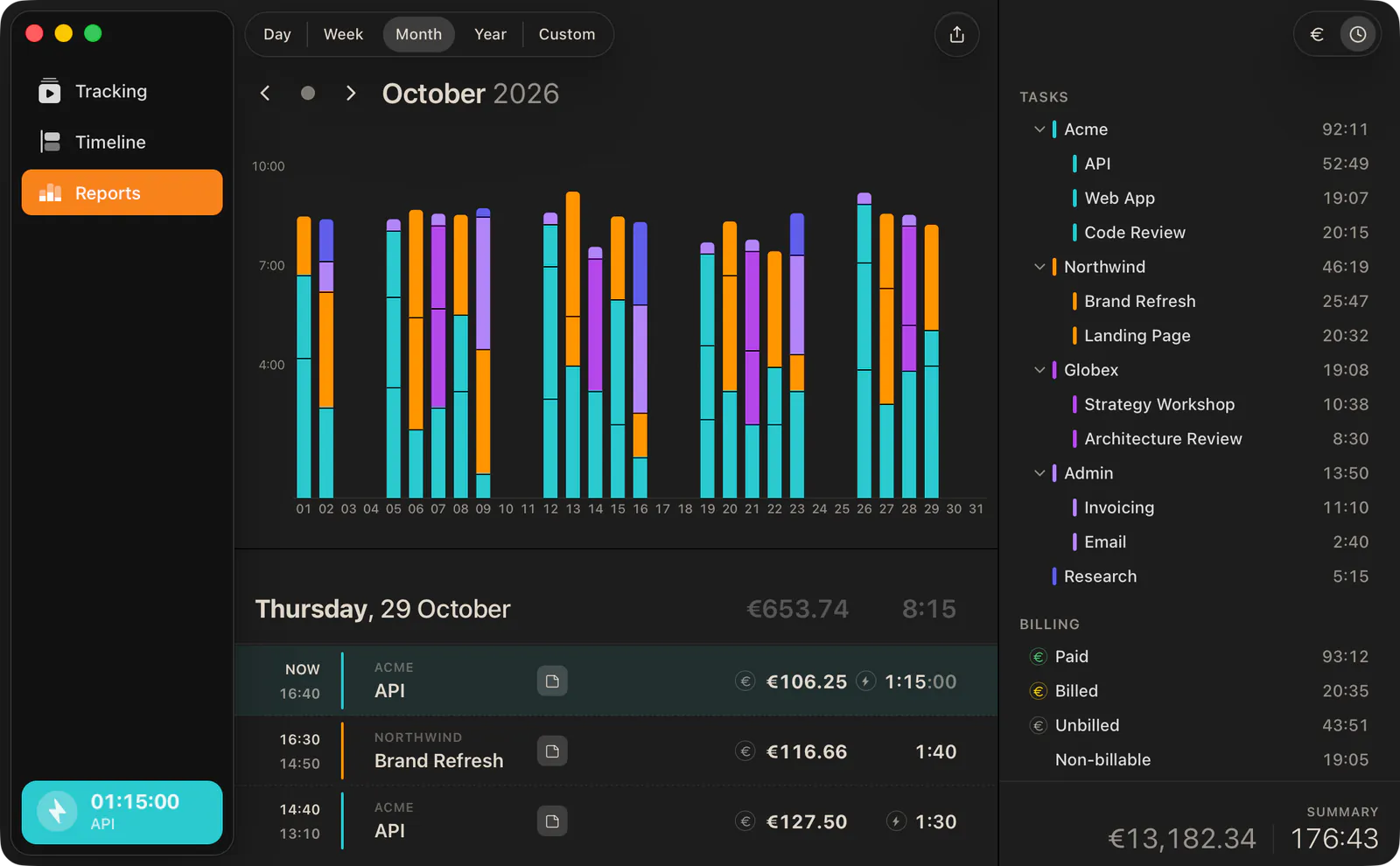
light & dark, your choice

Dark is home. Light is welcome.

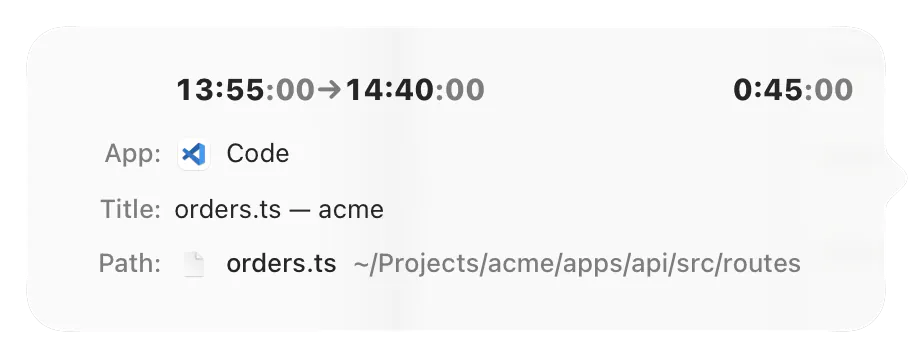
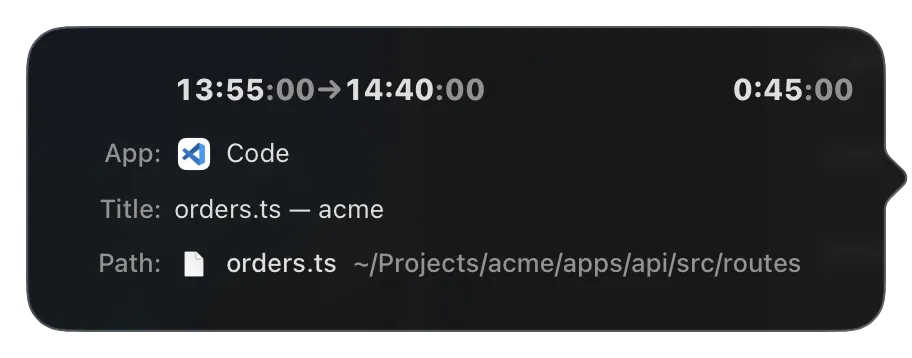
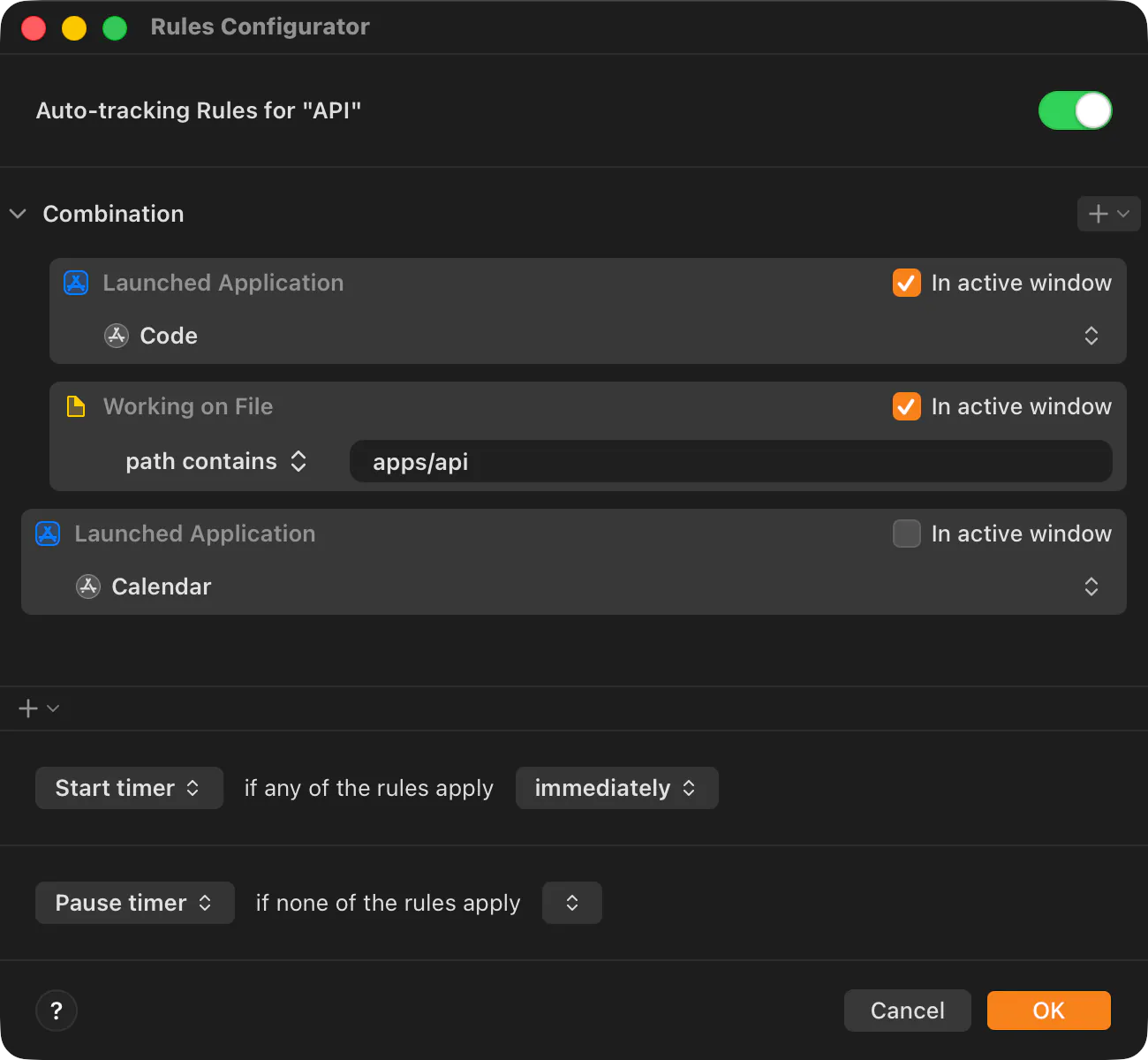
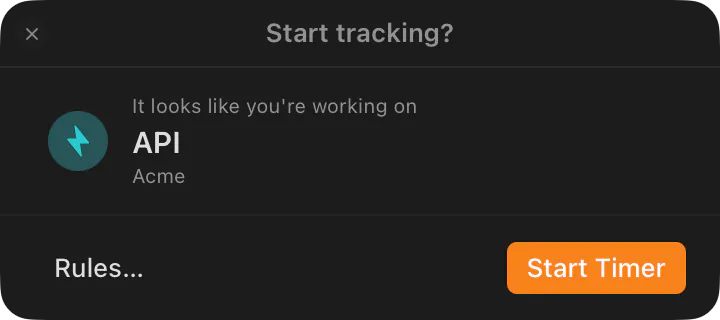
The same Timeline, either way — legible in a bright office or a midnight session. Horario follows your system theme, or you pick.

Horario Timeline in dark mode
Horario Timeline in light mode
The problems we solve

It's 11pm. You're reconstructing Tuesday from browser tabs.

The invoice is due, the tracker was "running", and yet here you are — doing calendar archaeology, rounding down because you're not sure, then defending the hours you did work. We got tired of that four different ways.

the maths: forget 2 hours a week at €50/h → €4,800 a year, gone.

01

Forget to start/stop the tracker?

There's no button to forget. Capture runs by itself, and every minute lands on the right client, project and task — even the free-time ones.

Learn more
02

Spending too much time on reporting?

The timesheet writes itself while you work. Get paid for every minute — without spending Friday afternoon explaining what the minutes were.

Learn more
03

When and where are you most productive?

See when you're genuinely sharp and plan deep work there. Computed from your own activity, on your own device — 100% private.

Learn more
04

The only truly automated tracker?

Most 'automatic' trackers just log which app was open — you still file the time yourself. Horario attributes it to the client and task, and shows you why.

Compare
who it's for

Built for people who bill by the hour.

/01

Freelancers

You did six hours of billable work; your memory says four. Horario keeps the two hours your invoices have been leaking — and the evidence behind them.

/02

Small agencies

See which client is quietly eating your margin. Your team stays in their tools, the hours file themselves, and nobody fills in a timesheet on Friday.

/03

Consultants

Quote from data, not vibes. Know what the last project actually took before you price the next one — and bill with a straight face.

the loop: collaborate → track → bill

One shared board makes everything downstream honest.

Each step makes the next one more accurate — and the last step is an invoice your client trusts.

01

Your clients work on the boardcoming soon

They add tasks, set priorities and comment — right on the board that drives your timesheet. A single-user board is in beta today; the shared, client-facing board is on its way.

02

Horario understands the workcoming soon

Because real task content lives on the board, attribution stops guessing from window titles and starts reading the work — privately, on your device.

03

Only confirmed time gets billed

Live today: automatic capture plus a transparent, deterministic rules engine attribute each slice. You review and confirm. Only confirmed time ever reaches an invoice.

Real invoices, not reports

Numbered per client, VAT-aware, per-client currency, emailed as clean PDFs. Only confirmed time is ever billed.

A board your clients will use

Kanban in beta today; client collaboration coming soon — so the card your hours sit against is one your client touched.

Integrations, GitHub first

Coming soon: your devs stay in GitHub Issues, your client gets a friendly board. Trello, Jira and Calendar follow.

privacy, properly

A biller, not a watcher.

A whole class of "time trackers" is really surveillance software. Horario is the opposite by design — your time is a trust artefact between you and your client, never evidence against anyone.

/01

Never keystrokes. Never screenshots.

Capture reads only the app, window title, URL and idle state — full stop. No clipboard, no recordings, no activity scores.

/02

Incognito stays private.

Private and incognito windows are suppressed automatically, and do-not-track lists exclude any app or site you choose — never captured at all.

/03

On-device by default.

Your activity lives in a local database on your machine and by default never leaves it. Optional sync is end-to-end encrypted, opt-in and off by default.

Hand-marked paper timesheets, the way we used to track time
Built for ourselves first

Running our own client work on it since 2022.

We're programmers who bill by the hour. We built Horario because we were losing money to forgotten timers and Friday-night invoice archaeology — and then we stopped losing it.

Read the manifesto
questions, answered straight
/ faq

Asked often. Answered honestly.

How automatic — and how accurate — is the tracking?
It's automatic today: offline-first capture watches the active app, window title, URL and idle state, and a deterministic rules engine attributes each slice to the right client and task. A one-click manual timer is always there too. You review and confirm — only confirmed time can ever reach an invoice.
Is this surveillance? Do you take screenshots?
No, never. Horario captures only app, window title, URL and idle state — never keystrokes, screenshots or clipboard. Private and incognito windows are suppressed automatically, and do-not-track lists let you exclude any app or site. It's a biller, not a watcher.
Where does my data live?
On your machine. Activity is stored in a local SQLite database on your device and by default never leaves it. Optional sync for collaborative use is end-to-end encrypted, opt-in and off by default.
Are the invoices real, or just reports?
Real. Sequential per-client numbering that's never reused, VAT-aware totals, per-client currency, integer-cent maths, rendered to a clean PDF and emailed from the app. Only confirmed, reviewed time is ever billed.
What does “free forever for early adopters” actually mean?
Join during early access and the full solo desktop app — automatic tracking, the rules engine, real invoicing and the solo board — is free for you, for life. No card, no trial clock. The future team/sync tiers will be paid for everyone, but early adopters get a locked founder price. We can afford this because the solo app runs entirely on your machine — our costs don't grow with you.
Which platforms does Horario run on?
macOS and Windows are first-class equals, built on Tauri 2 — automatic capture, the rules engine, invoicing and the board behave the same on both. A PWA mobile app is coming soon.
Be honest — how much actually works today?
Live today: automatic capture, the deterministic rules engine, real invoicing, export, and the single-user board (beta). On the way: the shared client board, GitHub and calendar integrations, and the AI features. Anything not shipped is tagged 'coming soon' across this site — we don't claim a feature works until it does.
/ join

Free forever for early adopters. The offer ends at public release.

Join now and the full solo desktop app is yours for life — no card, no trial clock. When the paid team tiers arrive, your founder price is locked too.

>

We store your email to send early-access updates. Privacy notice.

Mac & Windows · offline-first · no screenshots, ever